
You get a bonus - 1 coin for daily activity. Now you have 1 coin

Administrator (ID and Password) for the Samsung ML-2160 Printer's CPM

Practice


For advanced printer settings you need a login (ID) and password. The manual doesn't say a word about it.

In short, try the following combinations:
1. Username: admin
Password: sec00000

2. Username: admin
Password: admin

3. Username: empty (enter nothing)
Password: last 8 digits of the device's MAC address

Option 1 worked for me personally. Although this article describes the Samsung ML-2160, I think other Samsung devices have the same login-password combinations.
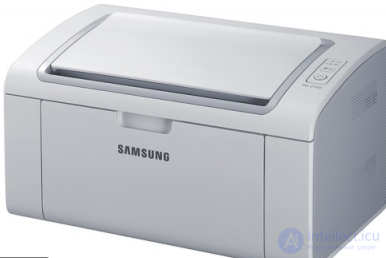
Administrator (ID and Password) for the Samsung ML-2160 Printers CPM

Comments

михаил мамаев 15-08-2018
пожалуйста напишите пароль

To leave a comment

If you have any suggestion, idea, thanks or comment, feel free to write. We really value feedback and are glad to hear your opinion.
To reply

Lectures and tutorial on "Diagnostics, maintenance and repair of electronic and radio equipment"

Terms: Diagnostics, maintenance and repair of electronic and radio equipment