
Lecture
Game engines are powerful tools that allow developers to create games without having to write code from scratch. They provide a wide range of tools for building game worlds, characters, animations, physics, and much more. In this lecture we will examine the main game engines, their features, and how to choose the right one for your project. Game engines are the core tools for creating modern video games. They provide developers with a broad set of tools and capabilities for realizing their ideas.
A game engine is the core software of a computer game. The distinction between the game and the game engine is often blurry, and studios do not always draw a clear line between them. But in general the term «game engine» is applied to software that is suitable for reuse and extension, and can therefore be regarded as a foundation for developing many different games without substantial changes.
A game engine is a software platform that provides a set of tools and libraries for developing games. It includes:
In addition to reusable software components, game engines provide a set of visual tools for development. These tools usually make up an integrated development environment for simplified, rapid game development in an assembly-line manner. These game engines are sometimes called «game middleware» (middleware), since, from a business standpoint, they provide a flexible and reusable software platform with all the functionality needed to develop a game application, reducing cost, complexity, and development time — all critical factors in the highly competitive video game industry.
Like other middleware solutions, game engines are usually platform-independent and allow a given game to run on various platforms, including game consoles and personal computers, with some changes made to the source code (or none at all). Game middleware often has a component-based architecture that allows some engine systems to be replaced or extended with more specialized (and often more expensive) middleware components, for example, Havok — for physics, FMOD — for sound, or SpeedTree — for rendering. Some game engines, such as RenderWare, are designed as a set of loosely coupled middleware components that can be selectively combined to create a custom engine, instead of the more traditional approach of extending or configuring a flexible integrated solution. Nevertheless, extensibility has been achieved and remains a high priority in game engines because of the broad range of their applications. Despite the specificity of the name, game engines are often used in other types of interactive applications that require real-time graphics, such as advertising demos, architectural visualizations, training simulators, and modeling environments.
Some game engines provide only real-time 3D rendering capabilities instead of all the functionality that games need. These engines rely on the game developer to implement the remaining functionality or assemble it from other game middleware components. Such types of engines are usually referred to as «graphics engines», «rendering engines», or «3D engines» instead of the more comprehensive term «game engine». However, this terminology is used inconsistently: thus, many full-featured 3D game engines are referred to simply as «3D engines». Some examples of graphics engines: RealmForge, Ogre 3D, Power Render, Crystal Space, and Genesis3D. Modern game or graphics engines usually provide a scene graph — an object-oriented representation of the game's 3D world, which often simplifies game design and can be used for more efficient rendering of vast virtual worlds.
Most often, 3D engines or rendering systems in game engines are built on a graphics API, such as Direct3D or OpenGL, which provides a software abstraction of the GPU or video card. Low-level libraries, for example, DirectX, SDL, and OpenAL, are also used in games, since they provide hardware-independent access to other computer hardware, such as input devices (mouse, keyboard, and joystick), network cards, and sound cards. Before the advent of hardware-accelerated 3D graphics, software renderers were used. Software rendering is still used in some modeling tools for rendering images where visual fidelity is more important than performance (frames per second), or when the computer hardware does not meet the requirements, for example, does not support shaders.
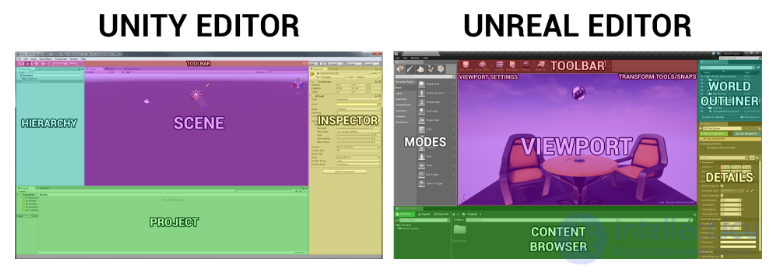
comparison of the Unity and Unreal interfaces
The choice of a game engine depends on several factors:
| Criterion | Unity | Unreal Engine |
|---|---|---|
| Basic primitives and objects | Provides standard primitives: cube, sphere, capsule, cylinder, plane, tetrahedron, terrain, and others | Provides standard primitives: cube, sphere, capsule, cylinder, plane, cone, pyramid, terrain, and others |
| Basic geometric transformations |
Transform includes Position, Rotation, Scale. Easy to manage through the inspector or scripts. |
Transform includes Location, Rotation, Scale. Implemented through the Actor and its components. |
| Mathematical concepts |
Full support for 2D/3D vectors, quaternions, matrices. Simple work with Vector2, Vector3. |
Support for vectors (FVector), quaternions (FQuat), matrices. More tools for complex computations. |
| Physics |
Based on NVIDIA PhysX. Rigidbody Slipperiness, friction, gravity, collisions are configured in the inspector. |
Based on Chaos Physics. Physics component combined with Static Mesh or Skeletal Mesh components More capabilities for simulations, including destruction, cloth, and fluids. |
| Graphics | Ease of configuring materials and shaders. Support for HDRP/URP for enhanced graphics. |
High level of detail out of the box. Realistic effects with Lumen (lighting), Nanite (mesh detail). |
| Camera | Flexible camera configuration, including Cinemachine for complex movements. | Cinematic camera with advanced effects out of the box and for predefined roles, for example a first-person camera, third-person camera, vehicle, etc. |
| Animation | Animation through Animator and Timeline. Support for 2D and 3D animation, Blend Trees. | Powerful animation system with Blueprints, support for complex rigging systems and Blend Space. |
| Lighting |
Lighting implemented through URP/HDRP. Support for dynamic and static lighting. Soft and hard shadows. Fog. |
Full-fledged dynamic lighting with Lumen. Advanced shadows and global illumination. Fog. |
| Textures and materials |
Simple work with textures. Support for PBR, easy to configure through the inspector. |
High level of texture detail. Advanced material settings through the Material Editor. |
| Shaders |
Shader Graph for visual editing. The ability to write in HLSL. |
Visual material editor. Deep integration of shaders in C++ and HLSL. |
| UI elements |
Canvas, Event System for menus, buttons, mouse events. Support for 2D/3D UI. |
Slate and UMG for interfaces. More flexibility, but harder to learn. |
| Game objects |
GameObject, scenes, prefabs. Scripts are implemented through components in C#. |
Actor, scenes (Levels), Blueprint Class instead of prefabs. Scripts through Blueprints or C++. |
| Sensors (input) |
Input System (keyboard, mouse, touchpad, gamepad, camera). Broad capabilities for VR/AR development. Easily integrated. |
Input support through Input Manager (keys, axes). Broad capabilities for VR/AR development. Extended access to devices through C++. |
| Output to sound and other devices | support for basic sound effects | support for basic sound effects |
| Scripts |
Written in C#. Easy to learn, modular structure. |
Written in C++ or created visually through Blueprints. Flexibility, but high complexity. |
|
Performance and debugging |
step-by-step and conditional debugging, statistics and profiling of rendering and physics, conditional compilation, logging | step-by-step and conditional debugging, statistics and profiling of rendering and physics, conditional compilation, logging |
| 2D development |
Ideally suited for 2D projects. Many built-in tools (Tilemap, Sprite). |
Weaker 2D support. Unreal is more oriented toward 3D. |
| Networking features | Support for networking solutions through Unity Netcode, Mirror, and other libraries. | Built-in networking features out of the box, high-level data replication. |
| Cross-platform support | Support for most platforms (Windows, macOS, Android, iOS, WebGL, consoles). | Support for all major platforms, including consoles, but configuration is more complex. |
| Community and documentation | Huge community, extensive documentation, multi-level learning materials. | Smaller community, but plenty of official tutorials and materials are available. |
| Price |
Free version with revenue limits. Pro subscription for large projects. |
Free up to a certain revenue, then a percentage of the profit. |
Other game engines
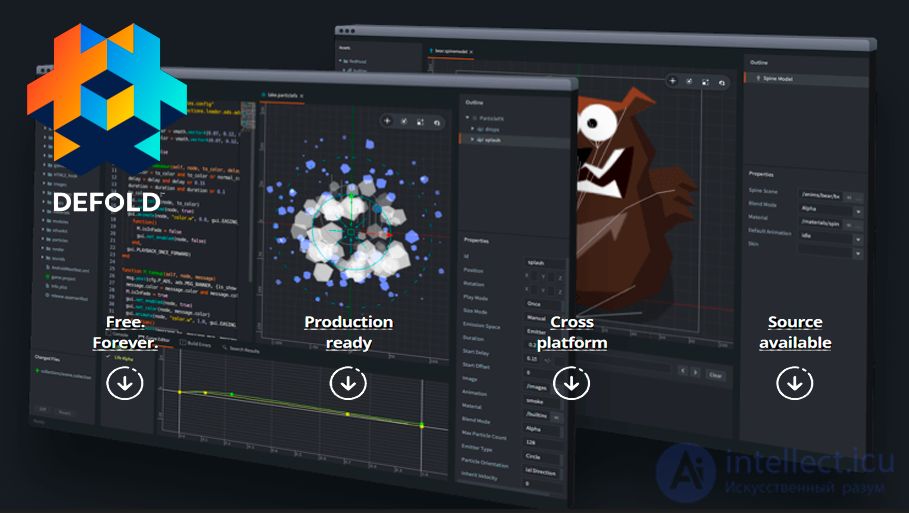
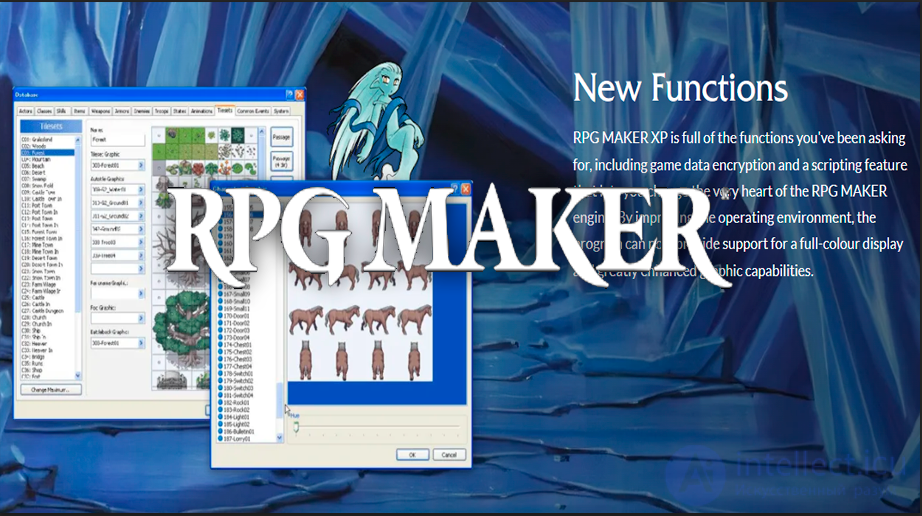
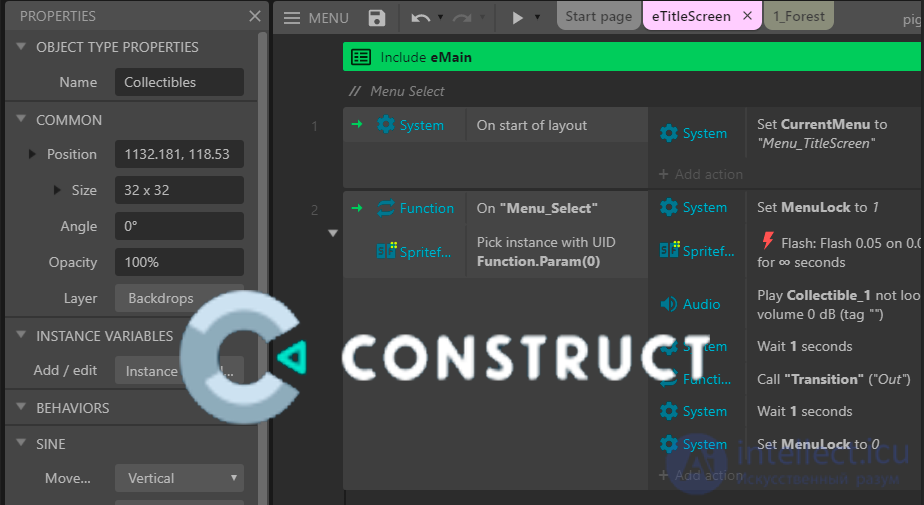
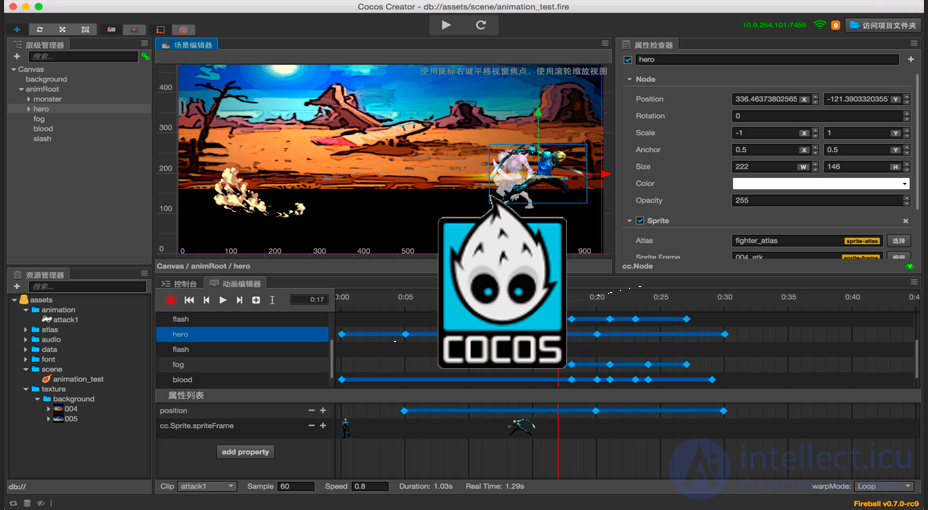

Game engines significantly simplify the game development process, allowing developers to focus on creating a unique gaming experience. Choosing the right engine is an important stage in game development. When choosing, take into account your goals, budget, team experience, and other factors. Working with game engines is an important skill for game designers. Understanding their capabilities and features helps in choosing the right tool for realizing your ideas and creating quality games.

Comments