
Practice
So, we have a Windows computer whose network, for inexplicable reasons, starts "acting up". Either it doesn't work even though there's no reason for that, or it works very slowly, or ping replies come back with huge delays. All sorts of things happen.
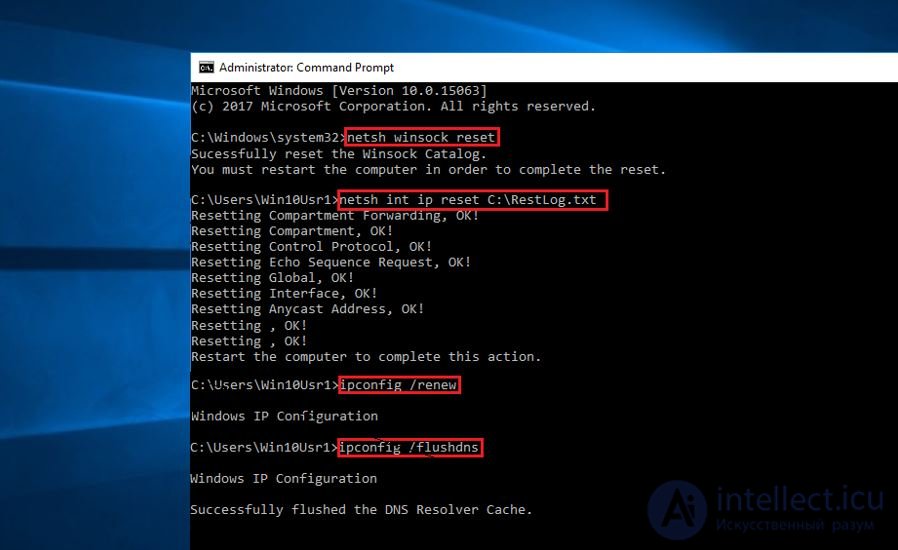
You've tried everything and the last thing left is the network card. Replace it? Let's hold off for a couple more minutes and try entering this command:
Reboot and check again. Maybe it worked?
This command resets all network interface settings to their defaults. This has a positive effect precisely in cases where, for some reason (you fiddled with the registry yourself, or some piece of software messed things up), these settings got skewed. That is, everything looks fine on the surface, but somewhere deep in the internet-innards some unnoticed piece of junk got lodged, and that's why your network is screwed.
Of course, it's far from guaranteed to help. But in practice - it does sometimes help ;)

Comments