
Lecture
Unfortunately, after DNS records have been changed, there's no way to view the history or previous values of TXT and MX records unless that data was saved manually beforehand. DNS (Domain Name System) doesn't provide any mechanism for tracking a history of record changes.
If you want to keep a history of your DNS records, you need to do so manually before making changes. Some DNS management or DNS hosting services may offer a backup feature that lets you save your current DNS records before changing them. There are also third-party tools and services that can help you track DNS record history, but they need to be set up in advance.
If you need information about the previous values of TXT and MX records and you didn't save them beforehand, then unfortunately that information will not be available.
So
at this point it's pretty much hopeless (the cache has probably already updated worldwide)
1) some intermediate DNS resolver might have a cache lasting 24 hours or more that hasn't updated yet, and you might be able to get the data you need from there.
2) Your hosting provider might still have a backup of the DNS records — try asking their support
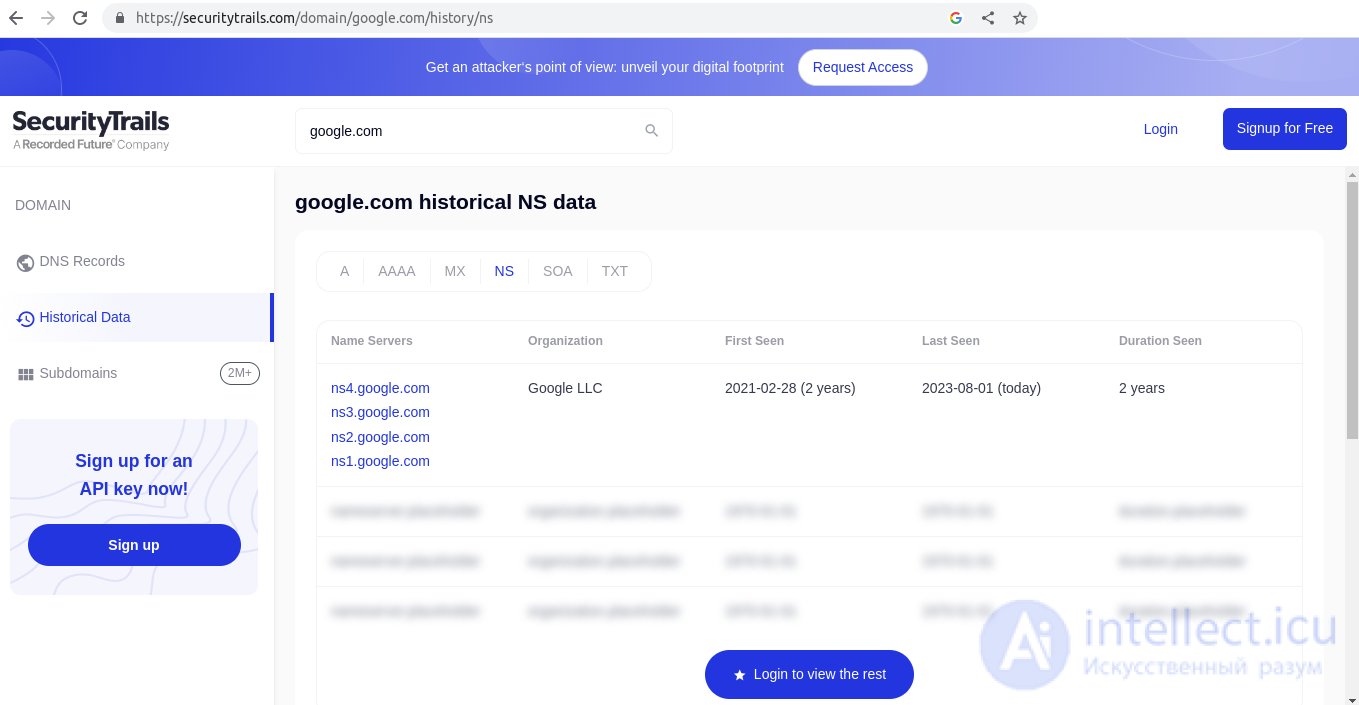
3) or try paid services like a DNS record archive
here's an example, they have some data
https://securitytrails.com/domain/google.com/history/ns

Comments