this command should give you a list of directories in which executable files are searched for.

Practice
Sometimes you need to manually register some service built on .NET. In this case, the service usually states that it needs to be installed using the installutil utility. That would all be fine, but typing "installutil" in the command line or console gives nothing - as if, even with .NET installed, this utility simply doesn't exist.

The Microsoft website is silent (at least based on a cursory search) on where to get it or download it.
This file should have installed automatically together with Visual Studio. If this utility is installed but is not found, then perhaps the paths to the file are not registered in PATH.
In fact, this utility is most likely already on the computer.
You can find this InstallUtil.exe utility at the path
C:\Windows\Microsoft.NET\Framework64\v_YOUR_VERSION\InstallUtil.exe for 64-bit platforms
or
in C:\Windows\Microsoft.NET\Framework\v_YOUR_VERSION\InstallUtil.exe for 32-bit.
This problem also occurs with the following errors:
• InstallUtil.exe not running
• InstallUtil.exe not found
• Cannot find InstallUtil.exe
• 'installutil' is not recognized as an internal or external command, operable program or batch file
• Invalid path to application: InstallUtil.exe
If the file still can't be found, try reinstalling the .NET framework
If the file does exist after all, then to solve the problem check that the file is really there
if it is, then check the paths from the command line
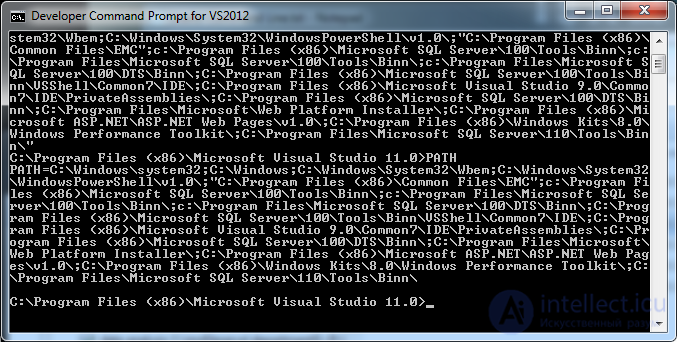
echo %PATH%
this command should give you a list of directories in which executable files are searched for.
if the needed path isn't there, then add the correct path to the PATH variable


Comments