Task: display the uptime — i.e., the continuous running time — of a Cisco device running IOS.
Solution:
CISCO# sh hard
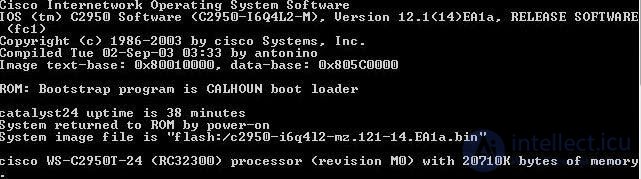
something like this will be displayed:
Cisco IOS Software, C2910 Software (C2970-LANBASE-M), Version 18.2(44)SE, RELEASE SOFTWARE (fc1)
Copyright (c) 1986-2020 by Cisco Systems, Inc.
Compiled Fri 04-Jan-08 21:43 by weiliu
Image text-base: 0x00003000, data-base: 0x00F00000
ROM: Bootstrap program is C2910 boot loader
BOOTLDR: C2970 Boot Loader (C2970-HBOOT-M) Version 18.1(14r)EA1a, RELEASE SOFTWARE (fc1)
CISCO uptime is 45 weeks, 1 day, 23 hours, 45 minutes
System returned to ROM by power-on
System image file is "flash:/c2910-lanbase-mz.122-44.SE/c2970-lanbase-mz.122-44.SE.bin"
...
Here's the line
CISCO uptime is 45 weeks, 1 day, 23 hours, 45 minutes
and it shows us the uptime.
How to check the current time on Cisco?
To check the time on Cisco now, you can use the command
sh clock



Comments