
Practice
Sometimes after installing Midnight Commander you may see an unpleasant picture with garbled squiggles instead of special characters (pseudographics)
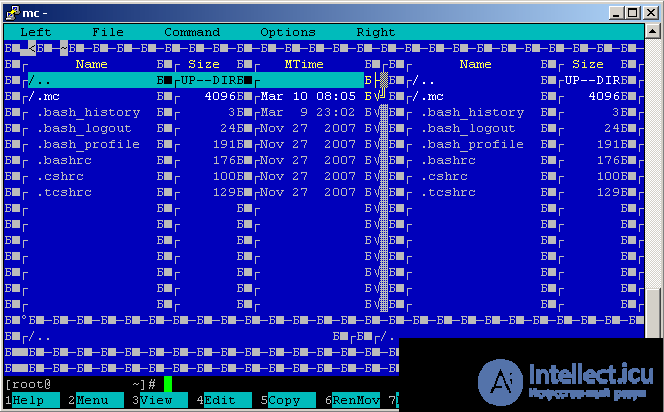
1. If this isn't a problem with the server's encoding and locale, and isn't a problem
Midnight Commander
then it might be a problem with the client's encoding (for example, PuTTY).
In this case, setting UTF-8 encoding in the Window - Translation section will help (when launching Putty)
2. if this is a problem with the default encoding and locale in the system, then change the configs using a utility or manually
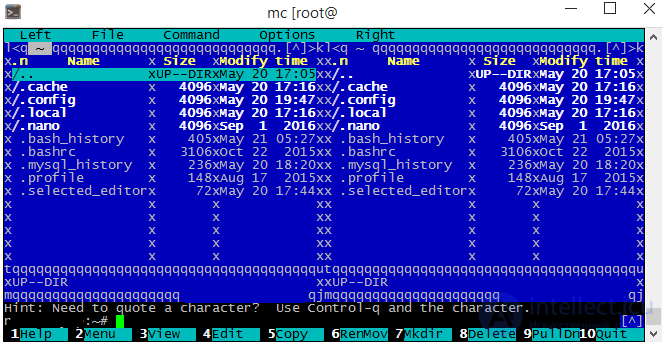
Open
and add the locale to the list of supported locales, if it doesn't already exist, for example:
You can regenerate the supported locales using:
Open
and check whether LANG and LANGUAGE have appeared :
if they haven't appeared - then add them manually
reboot
reboot.
3. if the encoding problem occurs specifically only when launching mc
then you can try creating a command alias with an additional encoding option
~/.bashrc:
~/.bash_profile

Comments