
Practice
To change the locale in Debian (and Ubuntu too) - at the command line type:
A dialog will pop up; in its list you'll need to select the locale you want, and you're immediately offered a choice of encoding.
For example, to make Debian purely English, you can simply uncheck all the boxes and leave the list empty. Or you can select the specific version of English you want.
To get Debian to display and talk to you in Russian without garbled characters in the fonts, you should accordingly select the locale ru_RU.UTF-8 or whichever others you need.
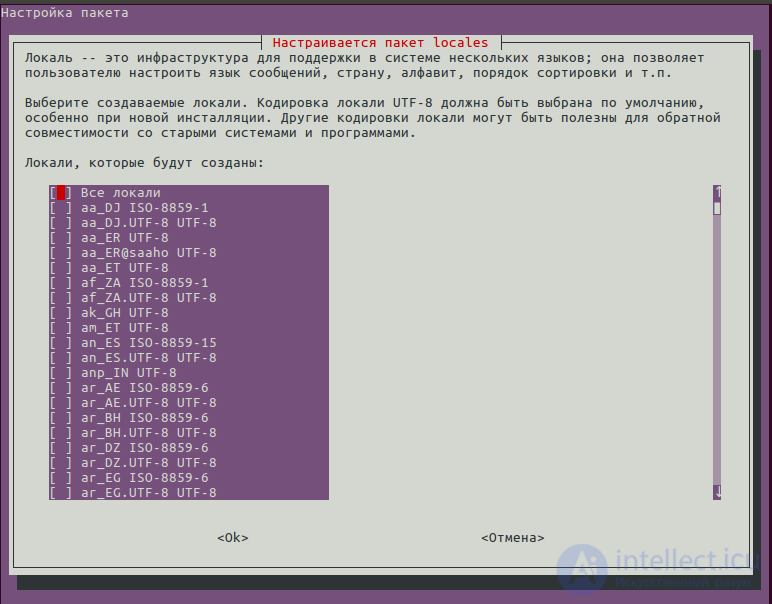
After that we click through and re-login to the OS.


Comments