how to find out the dimensions of a layer or a selected area in Photoshop ?
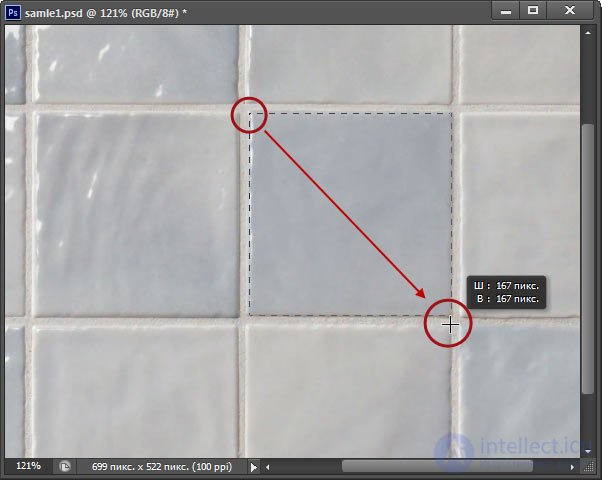
if you need to find out the size of a block (for example, of one of the layers) in that layer, select it with the rectangular marquee (M) and
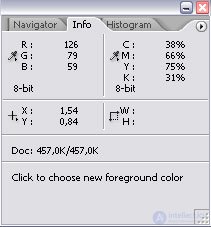
Window - Info (F8), the width and height are there (the unit of measurement is also chosen in that same window)
you can also ctrl-click the layer icon and get the dimensions in the same window
you can also take the ruler - press shift+I a few times and the ruler tool will appear


Comments