Вставьте речь, сценарий, лекцию или заметки. Текст прокручивается плавно, настройки сохраняются в браузере.
70
46
145%
Горячие клавиши: пробел - старт/пауза, F - весь экран, R - в начало, M - зеркально, стрелки вверх/вниз - скорость.
Экран телесуфлера
0% | 0:00 / 0:00 | осталось 0:00
0%
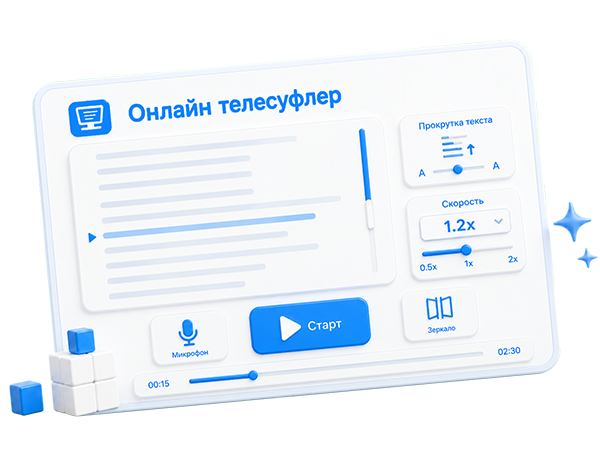
The online teleprompter helps you read prepared text while recording a video, streaming, giving a talk, teaching a lesson, or presenting. The service runs directly in the browser: paste a script, set scrolling speed, font size, line spacing, and launch fullscreen mode.
Main features:
- smooth automatic text scrolling;
- one-click fullscreen teleprompter launch;
- speed, text size, and line spacing controls;
- pause, reset to top, faster and slower buttons;
- mirror mode for reflective glass and professional teleprompters;
- color inversion for light or dark reading;
- left, center, and right text alignment;
- upward or downward scrolling;
- keyboard shortcuts for live control;
- ★ Auto speech recognition mode when the browser supports the built-in Web Speech API.
Voice-assisted teleprompter mode:
The ★ Auto button enables experimental voice tracking. If the browser provides built-in SpeechRecognition or webkitSpeechRecognition, the service listens through the microphone and compares recognized words with the text near the current reading area. Matching is performed close to the current reading block: a little backward and forward, so the teleprompter can catch nearby matches without jumping far through the script. When an approximate match is found, the current word is highlighted and the recognized beginning of the word is marked separately.
Voice tracking does not rewind or jump the text to the recognized word. Instead, scrolling continues smoothly and can gently adjust the scrolling speed to the current speech tempo. This is useful for video recording, public speaking, lessons, webinars, and live streams: the text stays visible while the teleprompter helps stay close to the spoken phrase.
Important: voice control depends on the browser, recognition language, microphone permission, sound quality, and internet connection. In some browsers the Web Speech API may be unavailable or may work only after the user grants microphone access. If speech recognition is not available, the service still works as a regular online teleprompter with manual speed control, fullscreen mode, sentence navigation, and keyboard shortcuts.
This browser teleprompter is useful for creators, teachers, speakers, hosts, students, and anyone who needs to read confidently on camera. Text and settings are saved locally in the browser so you can prepare a script in advance and continue later.


Comments