
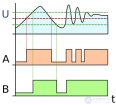
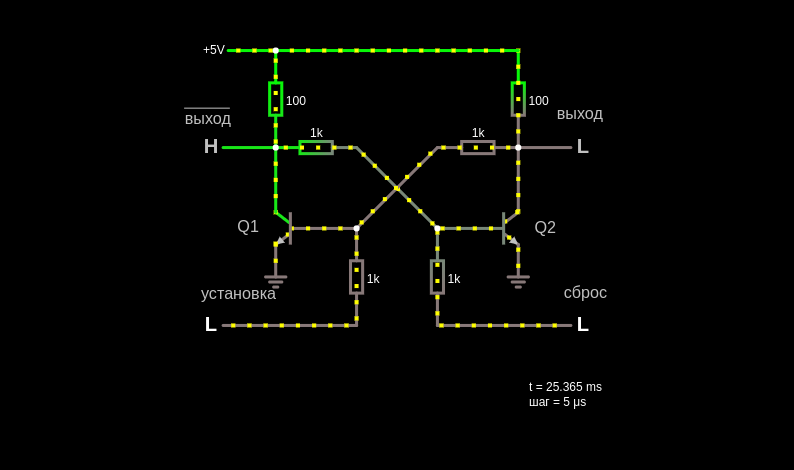
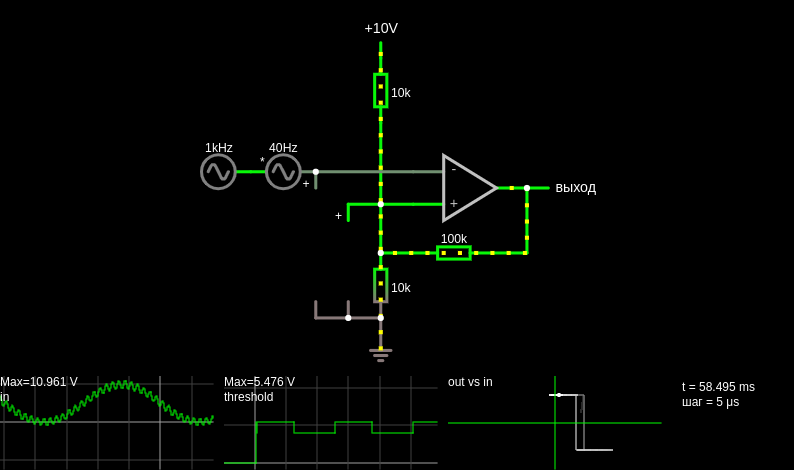
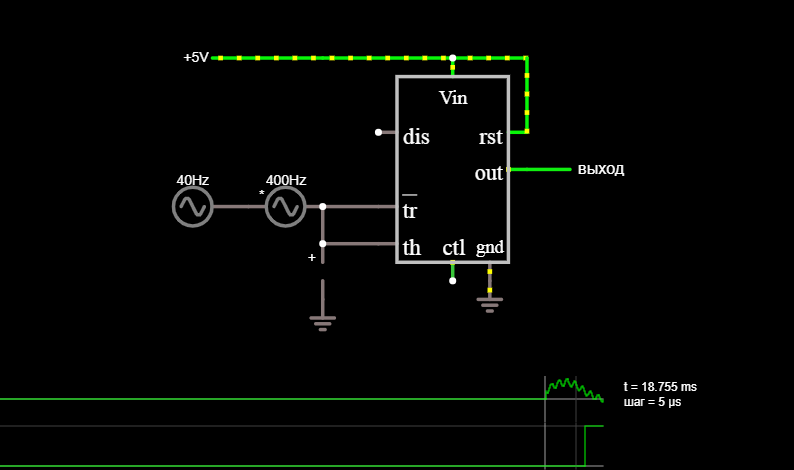
This circuit is a Schmitt trigger, a kind of comparator. It measures the input to see whether it is above or below a certain threshold. The threshold changes to reduce the chance of the output switching rapidly back and forth due to a noisy input near the threshold. The input signal is a noisy 40 Hz sine wave, shown on the first scope. The output is shown in the second area. The third area is a plot of output versus input. Suppose the input starts at ground. The voltage divider puts the collector of Q1 at about 2.1 V and the base of Q2 at about 1.5 V. The emitter of Q2 is at about 900 mV, which is about a diode drop below its base. Q2 conducts, which brings the output low. The emitter of Q1 is tied to Q2 at 900 mV, so Q1 will be off until the input rises to about 1.5 V. As soon as that happens, Q1 conducts, bringing its collector low, which lowers the voltage at the base of Q2 and turns it off, bringing the output high. If the input voltage drops slightly below 1.5 V, Q1 stays on, because Q2 no longer holds its emitter at 900 mV. Thus, a noisy input will not cause the output to switch rapidly between high and low. The input voltage must drop below 1.1 V to turn Q2 on. When this happens, the current of Q1 becomes low enough to come out of saturation and enter the forward active mode, and the voltage drop across it becomes large enough to turn Q2 on. Q2 turns Q1 off and brings the output low. If the input signal rises slightly above 1.1 V again, the output does not change; the input voltage must be above 1.5 V to turn Q1 on. If the simulator reports "Convergence failure," just click "reload." The applet often has trouble simulating this circuit.
This page is a utility for simulating schmitt trigger online with specified initial values.

Comments