
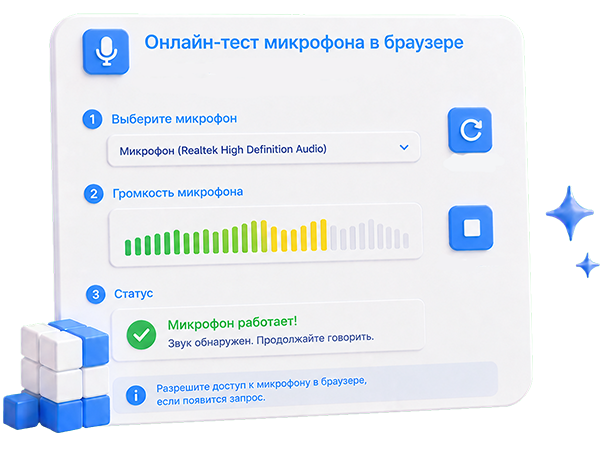
Our free online service lets you test your microphone right in the browser, with no software to install and no sign-up. Just open the page, allow microphone access and press the «Record» button — you will instantly see whether your microphone works and hear how it sounds. This online mic test works with headsets, headphones, webcams, laptops and the built-in microphone of your computer or phone.
An online microphone check helps you quickly find out whether your mic is working before an important call, video conference, online interview, podcast recording, stream or game. The service is useful when people cannot hear you in Zoom, Skype, Discord, Telegram or Google Meet, when the sound is too quiet, cuts out, buzzes or echoes. The test lets you separate a hardware problem from an issue inside the app.
The microphone test works in modern browsers — Google Chrome, Mozilla Firefox, Microsoft Edge, Opera, Safari and Yandex Browser — on Windows, macOS, Linux, Android and iOS. The service is completely free and does not store your recordings on a server — all audio is processed locally in your browser, so the microphone test is safe and private.
Important: before using the test you must allow microphone access in your browser settings. If the microphone does not work, make sure the correct input device is selected, that the microphone is not muted at the system level and that no other program is using it at the moment.

Comments